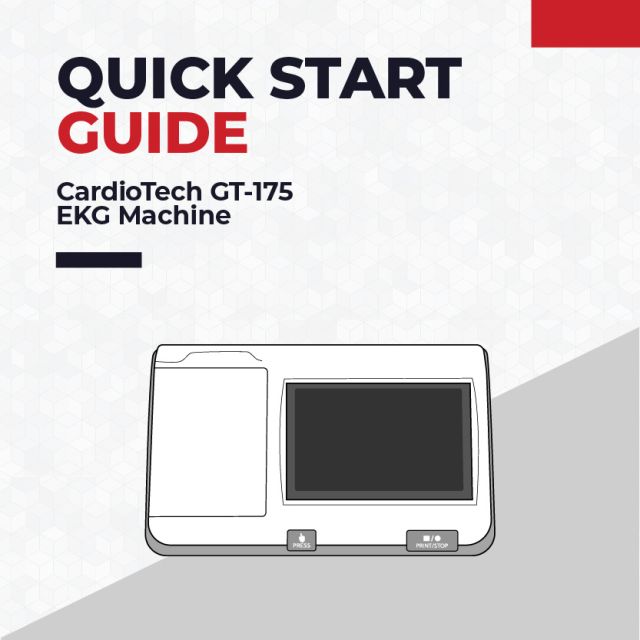

CardioTech GT-175 EKG Machine Quick Setup Guide
Basic Setup
How to Install the Battery on the CardioTech GT-175 EKG Machine
- Gently flip the CardioTech GT-175 upside down (screen side down) to reveal the underside of the machine.
- Use a screwdriver to unscrew the battery compartment cover off.
- Insert the battery wire into the socket. Then, place the battery in the compartment.
- Ensure that the white tab is at the top.
- Replace the battery compartment cover, and revert the machine back to its original position.
How to Power on the CardioTech GT-175 EKG Machine
- Plug one end of the AC Power Cable into the power supply socket, located on the backside of the GT-175. Plug the other end into an AC Wall Outlet.
- Press and hold the power button on the right side of the GT-175 to power on the machine.
Setting Change to Print Interpretations
- In system setup, click ‘record info’.
- Select ‘paper marker’.
- Switch to ‘no’.
- The GT-175 is ready to print interpretations.
Connecting the Patient Cable to the Electrocardiograph
- Connect the patient cable to the patient cable socket on the right side of the main unit, and then secure them with two screws.
Paper Setup
How to Install Paper on the CardioTech GT-175 EKG Machine
- Push the ‘Paper Replacement’ button to open the printer door. Lift the door all the way open.
- Put the roller through the paper roll, and insert into the paper compartment.
- Before placing the paper into the printer, orient the paper so that the black square is in the bottom left corner.
- Close the printer door, with the first page of paper hanging over the printer. Tear the first page, and the printer is ready to be used.
Troubleshoot Issues
“Lead Off” Error
The leads are not connected well. Please check whether the electrodes are connected to the patient skin well, and then make sure the patient cable socket is connected to the patient cable firmly.