CardioTech GT-3 Working Modes Guide
What are the CardioTech GT-3’s Working Modes?
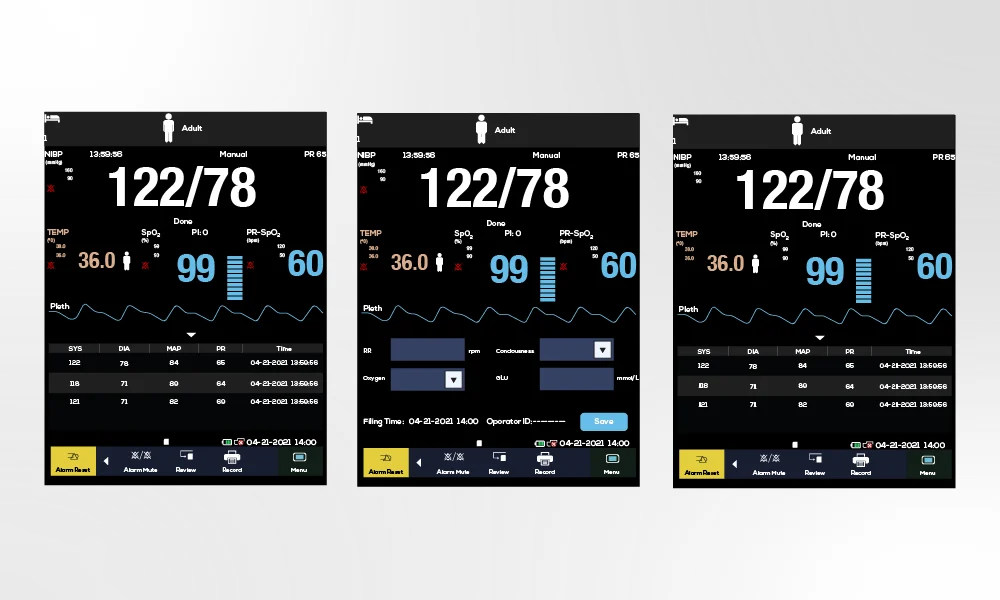
The CardioTech GT-3 Vital Signs Monitor offers 3 working modes that make it one of the most versatile hospital monitors on the market. The three working modes include: Monitoring Mode, Ward Round Mode and Spot-Checking Mode.
How Do I Change the CardioTech GT-3’s Working Mode?
To change the working modes, first press the Menu button, then select System Setup. Next, press Mode and select the desired work mode.
Monitoring Mode
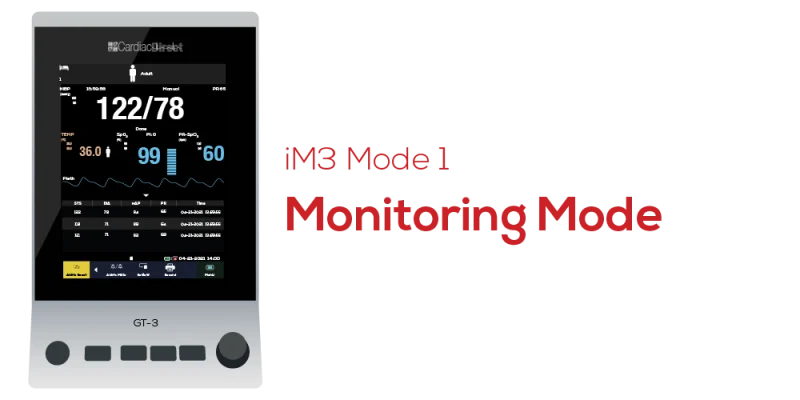
Monitoring Mode is designed for single-patient continuous monitoring. In Monitoring Mode, the GT-3 visually displays and stores the patient’s physiological data, up to 120-hr trend data for all of parameters.
Monitoring Mode Features
- Continuously monitors SpO2 & Pulse Rate
- Allows manual NIBP and TEMP checks
- Storage of trend data
- Review of trend data
- Alarms available
Ward Round Mode
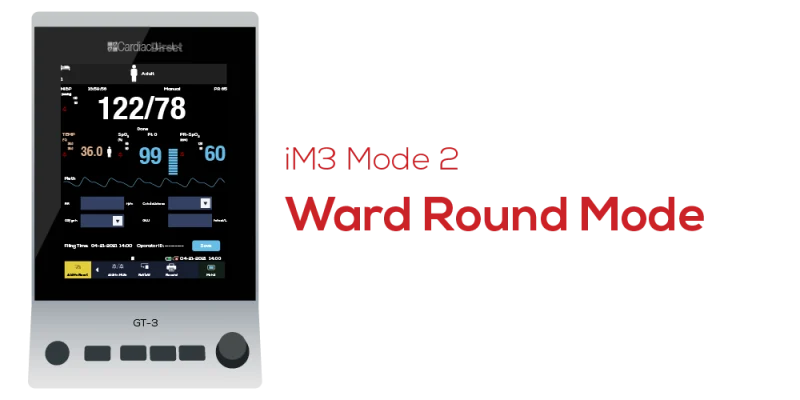
Ward Round Mode is designed for facilities working with multiple patients. In this mode, you can add multiple patients through manual entry, USB import, or barcode scanning and manage your patients through “Patient Management”.
Ward Round Mode Features
- Easy patient list setup
- Quick vital signs taking & upload
- Ward round record review
Spot-Checking Mode
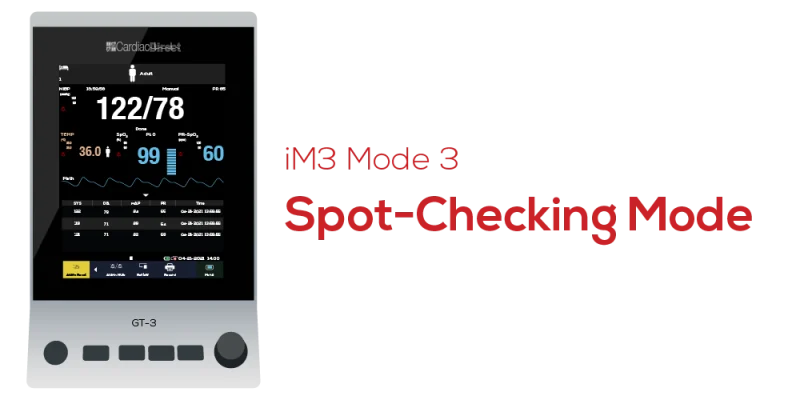
Spot-Checking Mode is used for on-the-go, quick measurements. This mode is designed to work with multiple patients and includes spot-checking data patient management. You can review your patient’s spot-checking data using the “Review” tab.
Spot-Checking Mode Features
- Quick vital signs taking & upload
- Spot-checking data trend table
- Spot-checking data review